
Laser cutting delivers accurate and consistent results, but the quality of the final product depends heavily on the CAD file provided. A well-prepared file helps avoid production delays, reduces errors, and ensures your parts are manufactured exactly as intended.
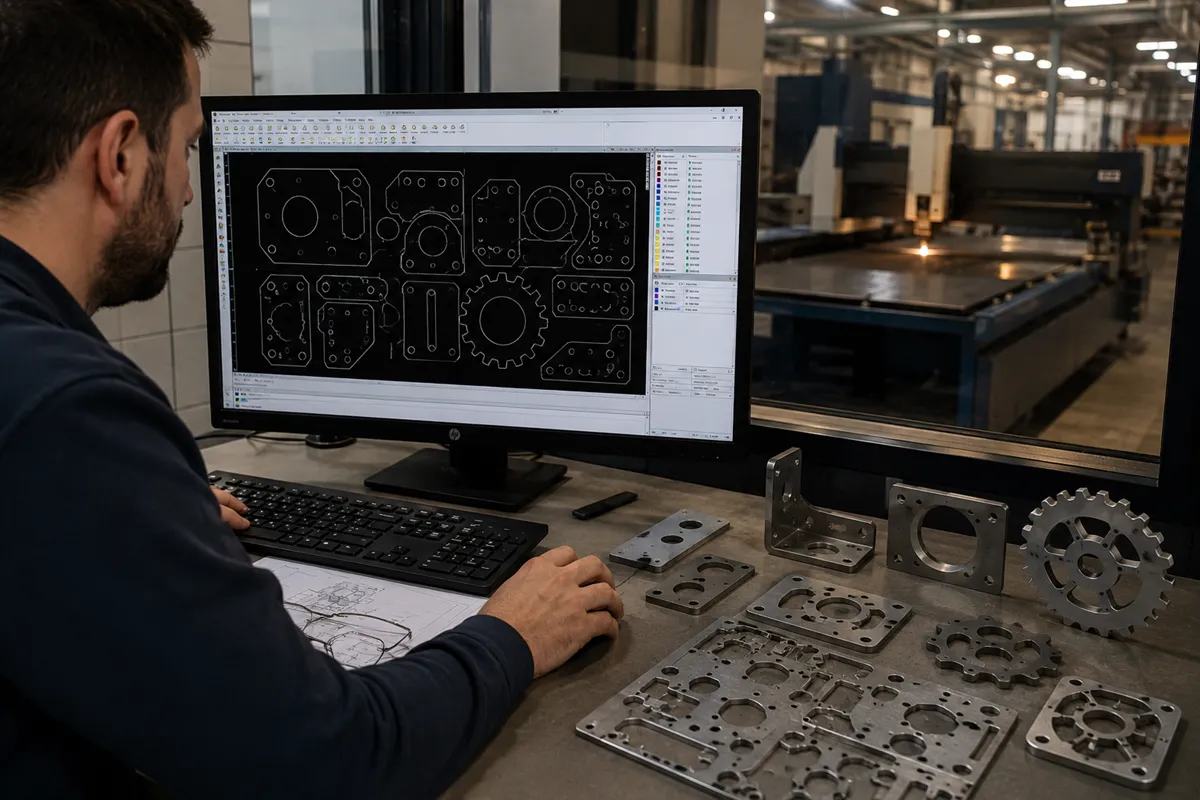
Here are some simple guidelines to prepare your CAD files for laser cutting.
1. Use Supported File Formats
The most commonly accepted file formats for laser cutting include:
- DXF
- DWG
- STEP
- IGES
For 2D laser cutting, DXF files are generally preferred because they provide clean geometry and are easy to process.
2. Draw at Full Scale
Always create your design at a 1:1 scale.
Scaling issues can lead to incorrect part dimensions and production delays. Before sending the file, verify that all measurements match the actual required size.
3. Ensure All Geometry Is Closed
Open lines, broken curves, and disconnected entities can create problems during programming.
Before submitting your file:
- Join connected lines
- Close all profiles
- Remove overlapping entities
- Check for duplicate lines
Clean geometry allows the laser path to be generated accurately.
4. Remove Unnecessary Details
Laser cutting machines only need the geometry required for cutting.
Delete:
- Dimensions
- Notes
- Text annotations
- Construction lines
- Hidden layers
A clean drawing helps prevent confusion and speeds up processing.
5. Consider Material Thickness
Design features should be appropriate for the material thickness being used.
Very small holes or narrow slots may not be practical in thicker materials. When designing parts, consider manufacturing limitations to achieve the best results.
6. Maintain Proper Hole Sizes
As a general guideline, hole diameters should not be excessively smaller than the material thickness.
Proper hole sizing improves cut quality and reduces the possibility of deformation during manufacturing.
7. Specify Material Requirements
Include information such as:
- Material type
- Material thickness
- Quantity required
- Surface finish requirements
- Additional operations such as bending or machining
Providing complete project details helps us deliver an accurate quotation and production plan.
8. Account for Bending Requirements
If the part will be bent after laser cutting, the flat pattern should be designed correctly.
Important considerations include:
- Bend allowances
- Bend deductions
- Hole locations near bends
- Minimum flange lengths
Sharing bending requirements early helps avoid redesigns later.
9. Check Part Nesting Opportunities
If multiple parts are required, efficient nesting can reduce material waste and lower production costs.
Our engineering team can often suggest improvements that maximize sheet utilization while maintaining part quality.
10. Review the File Before Submission
Before sending your CAD file, verify:
✓ Dimensions are correct
✓ Geometry is fully closed
✓ Duplicate lines are removed
✓ Material specifications are included
✓ File is saved in the correct format
A quick review can prevent delays and ensure a smoother manufacturing process.
We Can Help Optimize Your Design
Not every customer is a manufacturing expert, and that’s perfectly fine. If you’re unsure whether your CAD file is ready for laser cutting, our team can review it and recommend improvements before production begins.
With the right file preparation and expert support, you can achieve faster production, better quality, and more cost-effective results for your project.
Contact us today to discuss your laser cutting requirements and receive expert guidance on preparing your CAD files.